What Is a Sitemap in Web Design?
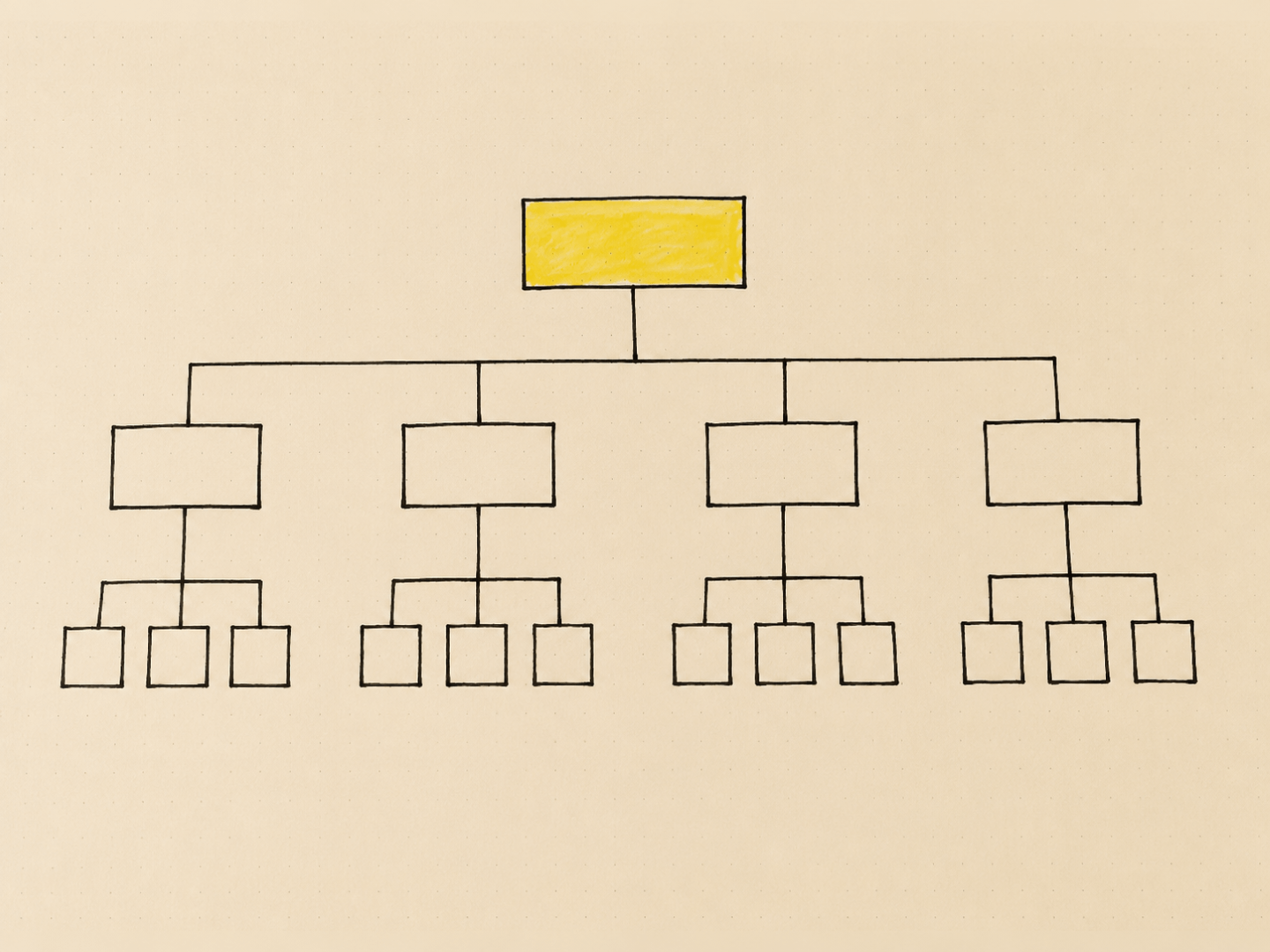
A sitemap in web design is a diagram that maps out every page on a website and how those pages connect to each other, built before any layout or visual design work starts. It's a planning tool, not a finished product, and it exists to answer one question before anyone touches a design file: what does this site actually need to contain, and how is it organised.
This is a different thing from an XML sitemap, the file search engines use to crawl and index a site. Both share a name because they solve a related problem (helping something navigate a website), but one is a planning diagram for humans and the other is a technical file for search engine bots. This post is about the planning diagram, since that's the meaning that matters at the point most people are asking the question: before a website exists.
- A sitemap in web design is a structural diagram of a site's pages and hierarchy, created during the planning phase, before wireframes or visual design begin.
- It's different from an XML sitemap, which is a technical file for search engine crawlers and gets generated after a site exists, not before.
- A good sitemap groups pages by hierarchy (what sits under what), not just by a flat list, because hierarchy is what determines navigation and internal linking later.
- Sitemaps are usually built in a diagramming tool such as Whimsical, Miro, or Slickplan, though a whiteboard or spreadsheet works fine for smaller sites.
- Skipping this step is one of the most common reasons small business websites end up with confusing navigation or pages that don't logically belong anywhere.
What a sitemap actually shows
A sitemap shows the full page structure of a site as a hierarchy, usually drawn as a simple tree diagram. The homepage sits at the top. Main navigation items branch off it. Sub-pages branch off those. A basic small business site might look like this in outline form:
- Home
- About
- Services
- Service A
- Service B
- Blog
- Category or topic groupings
- Contact
What matters isn't the visual style of the diagram, it's what the hierarchy communicates: which pages are primary (in main navigation), which are secondary (nested under a parent), and which don't need to exist at all. That last point is where a lot of the actual value sits. Building the sitemap is usually the point where someone realises a business wants six service pages but only has content and offering enough for three, or that "Testimonials" and "Reviews" were about to become two separate pages doing the same job.
Why it's done before design, not during
Design decisions about layout, navigation, and visual hierarchy all depend on knowing what content exists and how it's organised. Without a sitemap, a designer is making layout decisions and structural decisions at the same time, which is where scope creep and rework come from. A page gets designed, then a new page gets added halfway through the project, and now the navigation that was designed for six items has to accommodate nine.
Working out the sitemap first also surfaces content gaps early, while they're cheap to fix. If a site needs a dedicated FAQ page or a resources section, that's a much easier conversation to have on a whiteboard than after a homepage has already been designed around a different structure.
How a sitemap gets built
For most small business or portfolio sites, the process is straightforward: list every page the site needs, group related pages under logical parents, and confirm the primary navigation only includes pages that genuinely deserve top-level billing. Anything that doesn't fit under an existing category either gets its own new parent or gets reconsidered.
Tools that suit this task well include Whimsical and Miro for a visual, drag-and-drop diagram, and Slickplan specifically because it's built for sitemaps rather than general diagramming. For smaller sites, a spreadsheet or even a hand-drawn tree on paper does the job just as well. The tool matters far less than actually doing the exercise before moving into wireframes.
Larger or more complex sites, particularly ones with deep product catalogues or many content categories, benefit from a more detailed sitemap that also notes URL structure and which pages will drive internal linking. That level of detail usually isn't necessary for a five-to-fifteen page business site, where a simple hierarchy diagram is enough to move forward with confidence.
Sitemap vs XML sitemap
The confusion between the two is common enough to address directly. The planning sitemap covered in this post is a diagram, made for people, used once during the design phase to structure a site. An XML sitemap is a file, made for search engine crawlers, generated after a site is built (often automatically by a CMS or plugin) and submitted to Google Search Console so search engines can find and index every page.
They're related only in the loosest sense: both are ways of representing "here are the pages on this site." One shapes how the site gets built. The other helps a search engine understand a site that already exists. If someone's searching for how to submit a sitemap to Google or fix a sitemap error in Search Console, they're asking about the XML file, not the planning diagram, and that's a technical SEO question rather than a web design one.
Where this fits in the wider design process
A sitemap typically follows the initial content and goals conversation (what does this business need the site to do, who's it for) and comes before wireframing. Once the structure is confirmed, wireframes map out what goes on each page, then visual design brings in layout, colour, and typography. Skipping straight from "we need a website" to wireframes without a sitemap step is how projects end up rebuilding navigation halfway through, because nobody confirmed the full page list first.
FAQs
- Do I need a sitemap for a small five-page website?
- Yes, though it can be a five-minute exercise rather than a formal document. Even a small site benefits from confirming the page list and hierarchy before design starts, since it's the fastest way to catch missing or redundant pages early.
- Is a sitemap the same as a wireframe?
- No. A sitemap shows what pages exist and how they're structured relative to each other. A wireframe shows what goes on an individual page, laid out roughly, before visual design is applied. The sitemap comes first.
- What tools are best for building a sitemap?
- Whimsical, Miro, and Slickplan are common choices for a visual, drag-and-drop diagram. For small sites, a spreadsheet or hand-drawn tree works just as well, since the value is in the exercise, not the tool.
- Does a sitemap affect SEO?
- Indirectly. A clear hierarchy supports logical internal linking and helps search engines understand how pages relate to each other, but that's a separate mechanism from the XML sitemap file submitted to Google Search Console.
- Who's responsible for building the sitemap, the client or the designer?
- Usually a collaboration. The client or business owner knows what content and offerings need representing, while the designer or web professional structures that into a coherent hierarchy and flags gaps or redundancies.
See the web design process for how this stage fits into the wider picture, and more about Design Junction.